
| Keyboard Logitech | |
|---|---|
| DIMENSIONS | Height: 4.9 in (124 mm) Width: 10.9 in (279 mm) Depth: 0.6 in (16mm) including feet Weight: 14.92 oz (423 g) including batteries |
| SYSTEM REQUIREMENTS | Bluetooth wireless computers or other devices that support external keyboards (HID profile). For more information, check with the device manufacturer. PC: Windows® 7, Windows 8, Windows 10 or later Mac: Mac OS® 10.10 or later Chrome OS™ Android™ tablet or smartphone: Android 3.2 or later. iPad® or iPhone®: iOS® 5 or later Apple TV® 2nd or 3rd generation An internet connection (for optional software download) |
| TECHNICAL SPECIFICATIONS | Connection Type: Bluetooth Classic (3.0) Wireless Range: 10 m Wireless range may vary due to environmental and computing conditions Software Support: Logitech Options for Windows (Windows 7, Windows 8, Windows 10 or later) Logitech Options for Mac (OS X 10.8 or later) Logitech Flow Battery: 2 x AAA Battery Life: 24 months Indicator Lights (LED): Battery LED, 3 Bluetooth channel LEDs Special Keys: Hotkeys (Home, Back, App-switch, Contextual Menu), Easy-Switch™ Connect / Power: On/Off Switch |
| PACKAGE CONTENTS | Keyboard 2 AAA batteries (pre-installed) User documentation |
Thông số kỹ thuật
Mô tả sản phẩm
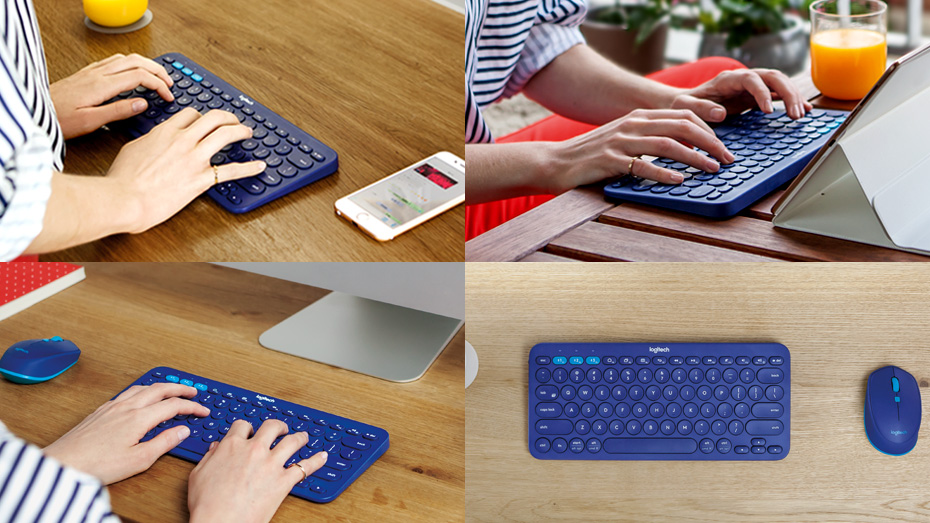
GÕ TRÊN MỌI THIẾT BỊ
Tận hưởng sự thoải mái và tiện dụng khi gõ trên điện thoại thông minh và máy tính bảng bằng bàn phím di động này.
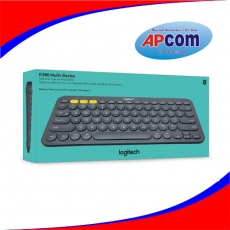
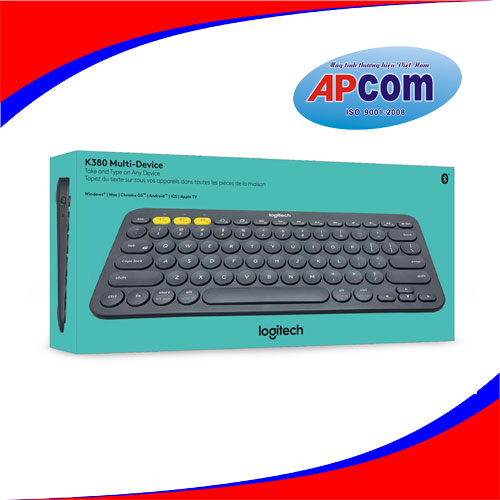
K380 Multi-Device là bàn phím không dây kết nối với tất cả thiết bị Bluetooth® không dây hỗ trợ bàn phím ngoài.
- Bluetooth không dây
- Đa nền tảng/nền tảng chéo
- Windows®, Mac, Chrome OS™, Android™, iOS
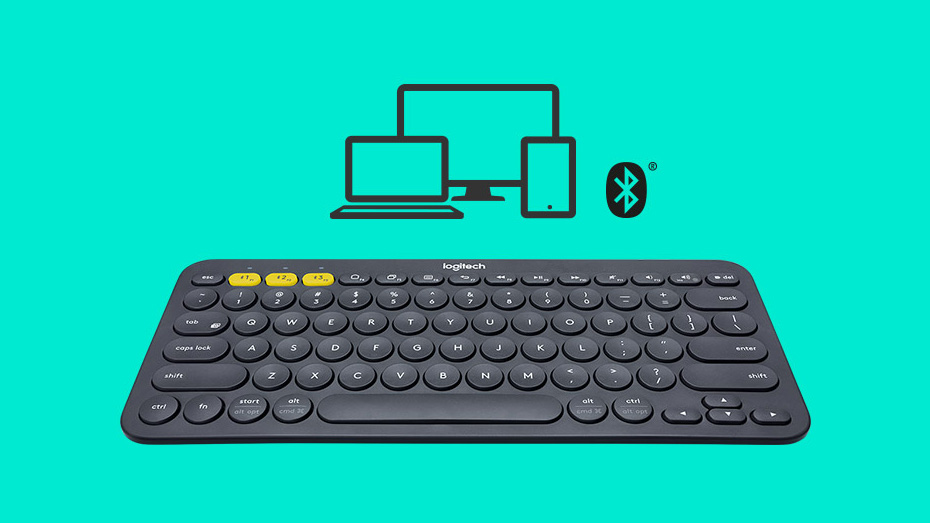
PHONG CÁCH DI ĐỘNG TIỆN DỤNG
Hãy mang bàn phím Bluetooth nhỏ gọn, trọng lượng nhẹ này tới bất kỳ nơi nào trong nhà bạn. Gõ bàn phím ở bất kỳ nơi nào bạn thích, trên bất kỳ máy tính, điện thoại hay máy tính bảng tương thích nào.
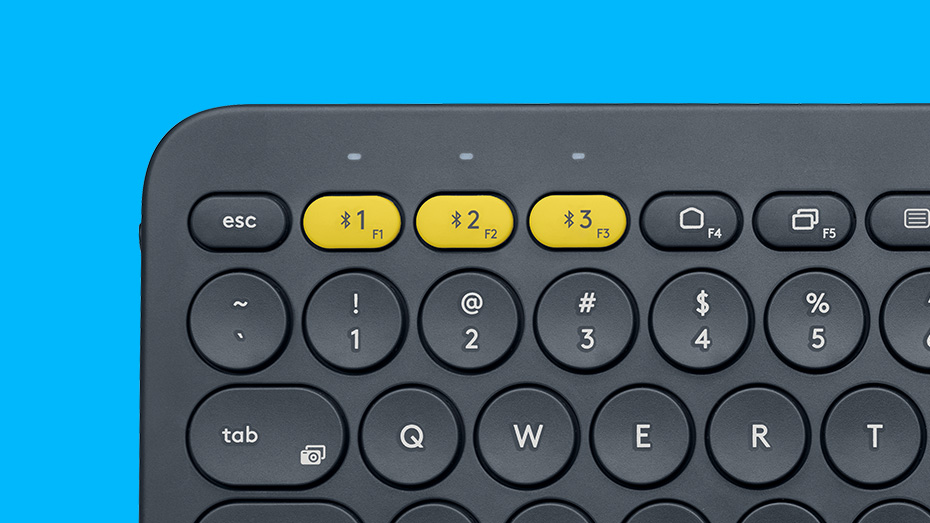
DỄ CHUYỂN ĐỔI
Kết nối tới ba thiết bị cùng lúc, chẳng hạn một máy tính Windows, iPhone và máy tính bảng chạy Android. Chỉ cần chạm vào một nút và bắt đầu gõ trên một thiết bị khác.
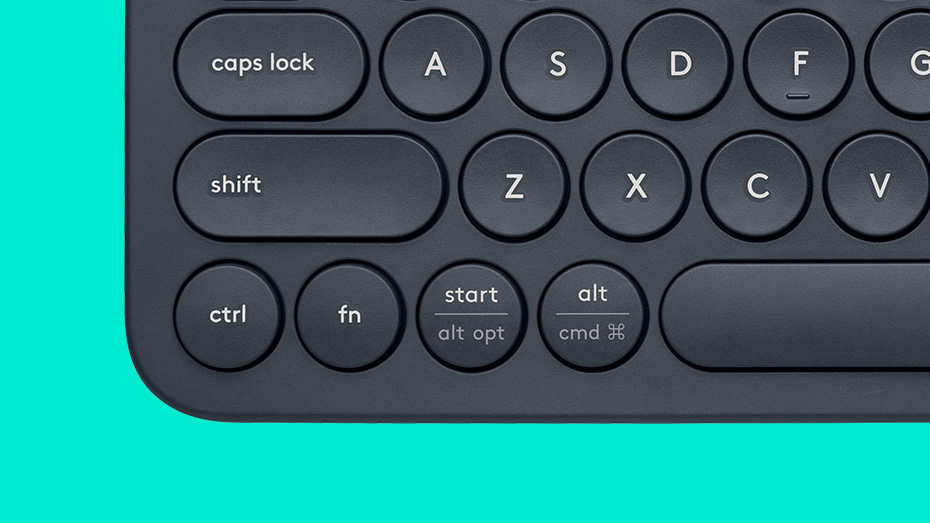
BỐ CỤC TƯƠNG TỰ
K380 Multi-Device nhận ra từng thiết bị và tự động ánh xạ các phím để cho bạn bố cục tương tự với các phím tắt ưa thích của mình. Bằng cách nhận ra thiết bị cụ thể của bạn—ví dụ, máy tính Apple hoặc máy tính Windows—bàn phím phổ dụng này sẽ gửi mã phím chính xác.